
We’ve all been there—just one step away from checkout, only to get slowed down by logins, OTPs, and extra verification. What should be a quick, seamless moment turns into friction, especially for smaller purchases or recurring bills that shouldn’t require unnecessary hassle.
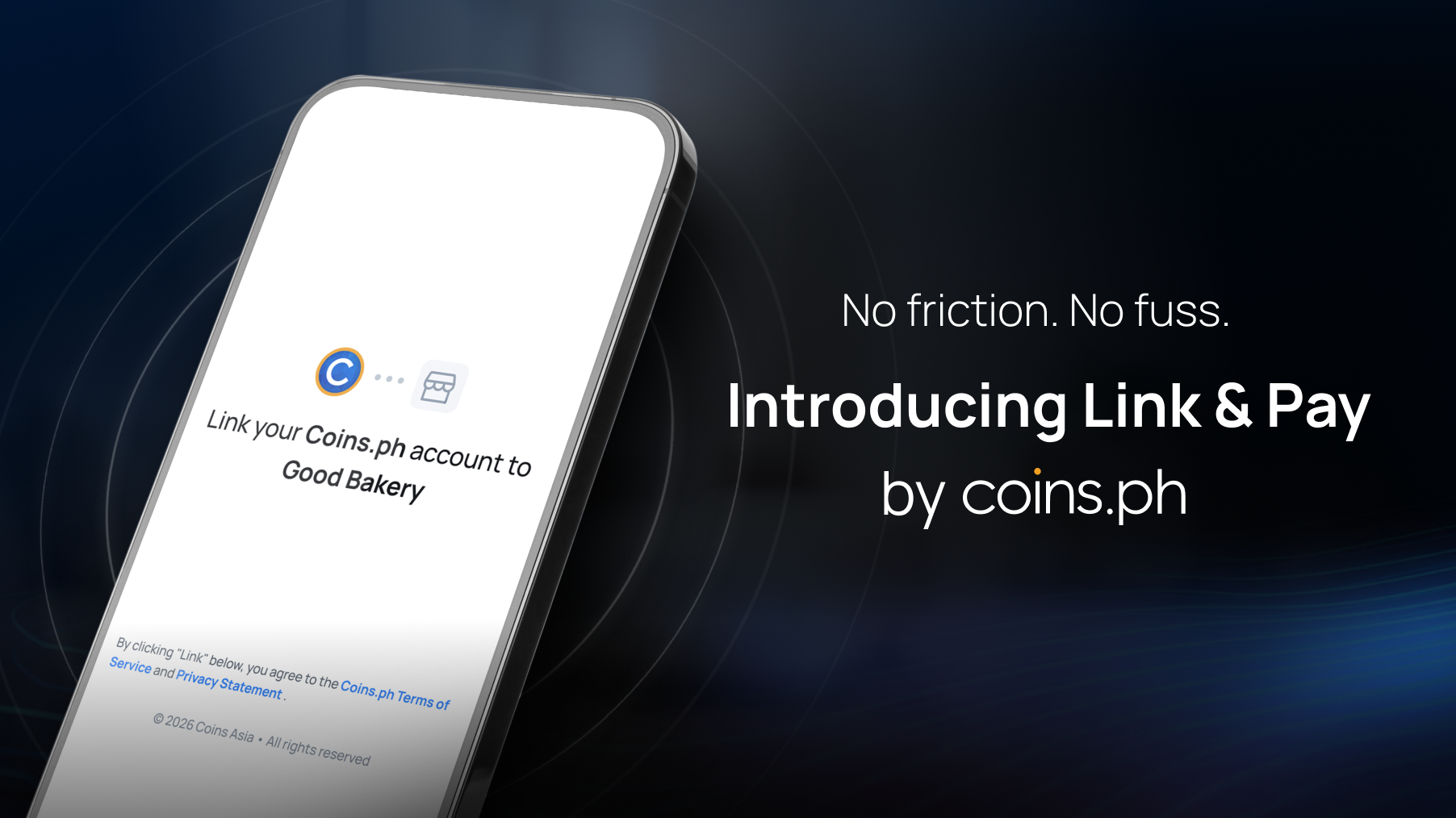
At Coins.ph, we believe paying for the things you love should be as simple as a single tap. To help achieve this, Coins.ph, the Philippines' largest digital asset exchange and one of the fastest-growing mobile wallets, introduces 'Link & Pay', the platform’s tokenized payment feature now available to its millions of app and web users. This tech update is designed to make your transactions faster, safer, and entirely hassle-free.
What are Tokenized Payments?
Think of "tokenization" as a high-tech digital valet key. Instead of giving a merchant your actual login credentials or sensitive account details, Coins.ph generates a unique, secure "token" through this new feature.
This token tells Coins: "Yes, this user has authorized this specific merchant to process this payment." Once you’ve linked your account once, you can skip the login screens and passwords for future purchases. It’s the ultimate "set it and forget it" for your digital wallet.
Why You’ll Love This Feature
- One-Click Convenience: After a one-time setup, you can breeze through checkouts. No more re-entering passwords every time you want to buy a game skin, pay a subscription, or grab a quick meal.
- Top-Tier Security: Because we use tokens, your sensitive account data is never stored by the merchant. Even if a merchant’s system were compromised, your "token" is just a random string of characters that is useless to hackers.
- Built-in Safety Nets: We’ve kept your protection in mind. To keep your balance safe, automatic password-free payments are capped at:
- ₱1,000 per transaction
- ₱5,000 total per day
- 5 successful transactions per day
- Anything above these limits will trigger a manual confirmation for your peace of mind.
How It Works: Linking Your Account in 3 Easy Steps
Getting started takes less than a minute. Here’s how the magic happens:
- Link Your Account: On the merchant’s checkout page, select "Link Coins Account."
- Verify Once: You’ll be redirected to Coins.ph (if you have the app, it opens automatically!). Review the terms, enter your One-Time Password (OTP), and you’re set.
- Enjoy the Speed: From now on, just select Coins.ph at checkout, and the transaction completes instantly.
For Our Merchants: Boost Your Success & Automate Growth
If you’re running a business, you know that "friction" is the enemy of sales. Coins.ph’s Link & Pay feature reduces cart abandonment by shortening the journey from "Add to Cart" to "Thank You for Your Purchase."
Beyond one-tap checkouts, Link & Pay empowers merchants with Recurring Payment and Direct Debit capabilities. Whether you offer monthly subscriptions, or utility billing, you can now provide a "hands-off" experience for your customers. By authorizing a tokenized link, merchants can pull authorized amounts automatically, ensuring:
- Lower Churn: No more missed payments due to forgotten passwords or expired sessions.
- Predictable Cash Flow: Automate your collections with direct debiting from the customer’s Coins.ph PHP balance.
- Real-Time Settlement: Funds hit your Coins account immediately after the transaction, keeping your operations moving at the speed of crypto.
It’s a perfect supplement to our standard WebPay—giving your loyal customers the premium, "VIP" checkout experience they deserve.
Learn more about the new Link & Pay feature with these FAQs.
Frequently Asked Questions
Q: Is it different from WebPay? A: Yes! While WebPay requires a login for every single purchase, Tokenized Payment only requires it the first time. After that, it’s automatic.
Q: What can I use to pay? A: Currently, the feature supports your PHP balance in your Coins.ph wallet. We are working hard to bring more payment options to this feature soon!
Q: Can I cancel the link? A: Absolutely. You stay in control. Currently, authorization can be revoked from the merchant’s end, and we are developing a feature to let you manage all your linked merchants directly inside the Coins app very soon.
Want to integrate Tokenized Payments into your business? Email the Coins business development team at partners@coins.ph or localpayments@coins.ph.